Hardware Sets
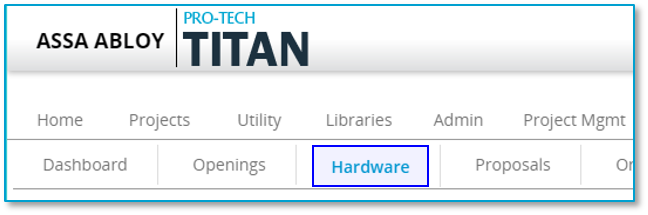
Hardware Sets are created and managed from the
Hardware Sets can be assigned to openings in your project. If a hardware set is not assigned to an opening it is considered to be a "
Hardware Set Editor
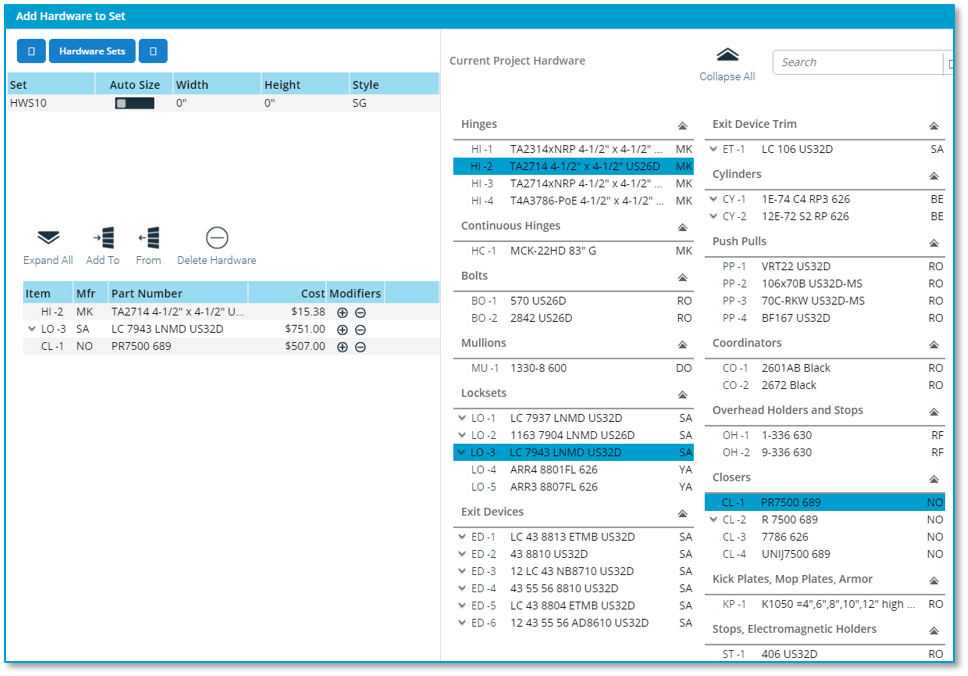
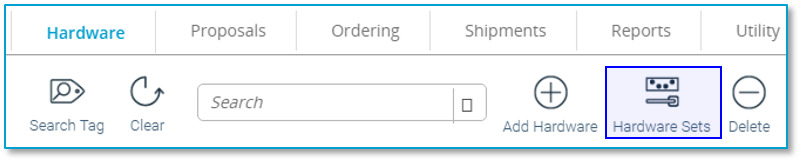
You can access the Hardware Set Editor on the Project Hardware page by a clicking on the "Hardware Sets" icon.
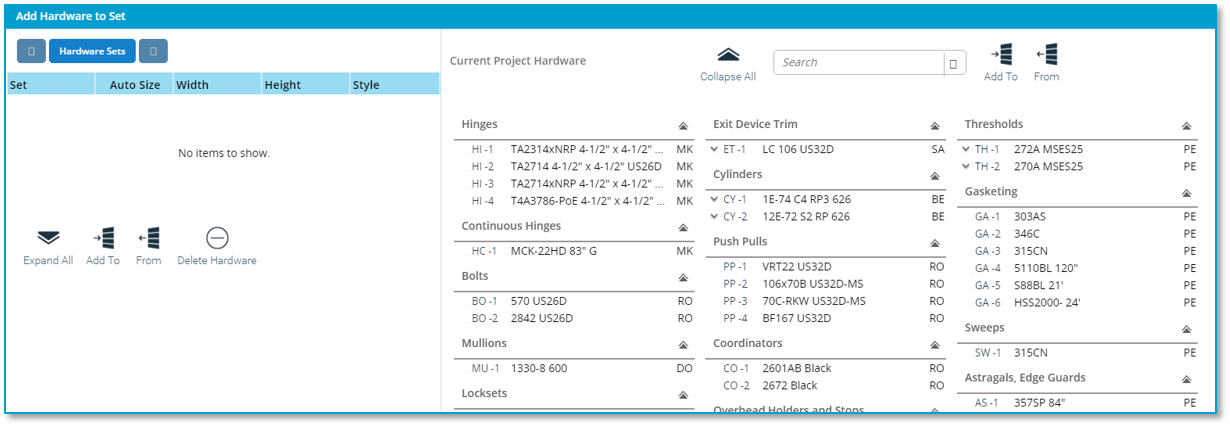
Layout
The Hardware Set Editor is divided into 2 panels.
Creating Hardware Set IDs
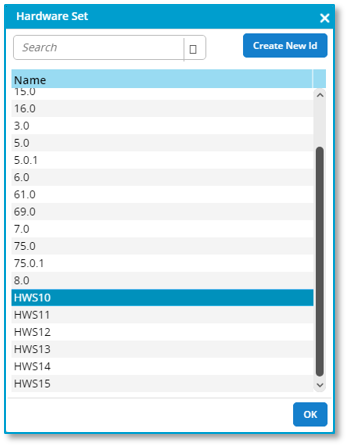
Hardware Set IDs are free-form text, meaning they can be whatever you like. To create a Hardware Set ID, click on the Hardware Sets button
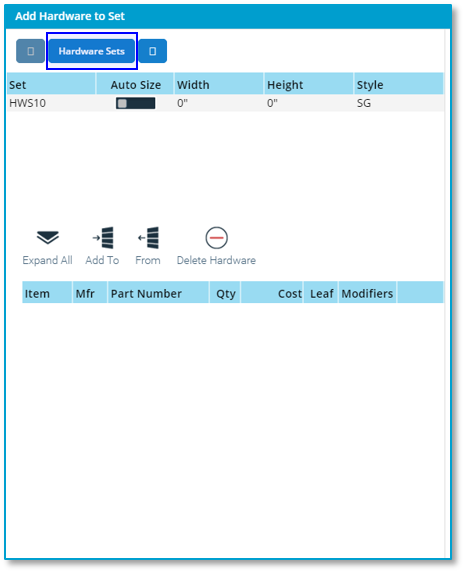
Click on the "Create New ID" button
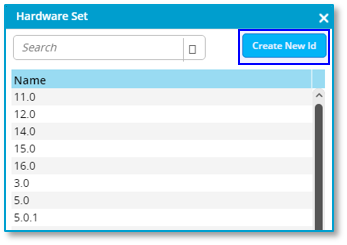
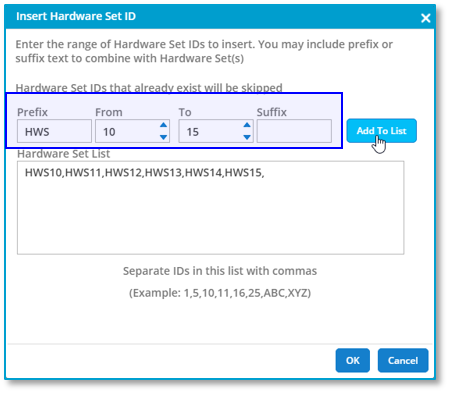
Here you can type a comma separated list of new Hardware Set IDs.
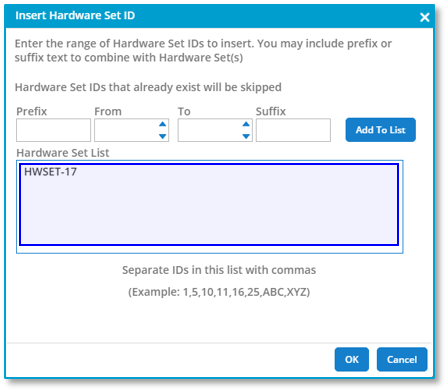
You can add to the list of Hardware Set IDs by generating a list. Add a prefix or suffix and a range of numbers and click on the "Add to List" button. The generated IDs will be added. Click on "OK" to finish.